4. Hierarchical composition of a window
Interfaces in GtkAda are built in layers, as in Motif. For instance, a typical dialog is basically a Gtk_Window, that in turn contains a Gtk_Box, itself divided into two boxes and a Gtk_Separator, and so on.
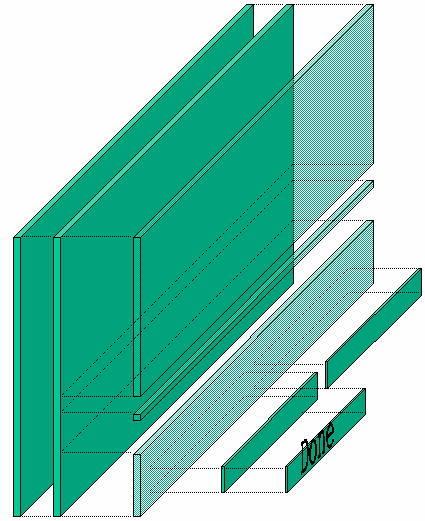
Altough this may seem more complicated than setting absolute positions for children, this is the simplest way to automatically handle the resizing of windows. Each container that creates a layer knows how it should behave when it is resized, and how it should move its children. Thus almost everything is handled automatically, and you don’t have to do anything to support resizing.
All the containers are demonstrated in gtkada_demo/, in the GtkAda
distribution. This should help you understand all the parameters associated
with the containers. It is very important to master these containers, since
using the appropriate containers will make building interfaces a lot easier.
If you look at the widget hierarchy (Widgets Hierarchy), you can see that a Gtk_Window inherits from Gtk_Bin, and thus can have only one child. In most cases, the child of a Gtk_Window will thus be a Gtk_Box, which can have any number of children.
Some widgets in GtkAda itself are built using this strategy, starting with the very basic Gtk_Button.
For example, by default a Gtk_Button contains a Gtk_Label, which displays the text of the button (like ‘OK’ or ‘Cancel’).
However, it is easy to put something else in a button instead: Set_Icon_Name displays an icon, and Set_Child replaces the label with any widget of your choice.